
 Blog
Blog 3D Sketches
What are 3D sketches and what are they good for? 3D sketches can be a valuable tool while
sketching in SolidWorks. Not only do you
have use of all of the sketch tools such as Lines, Arcs, Circles and Splines,
but you can also use all of the Rectangle sketch tools as well. 3D Sketching can be especially useful when
you are creating a path for a sweep or a loft.
To create a 3D Sketch go to Insert, 3D Sketch. This puts you in the 3D Sketch mode. Select the type of sketch you want to create
like a line, circle, arc etc… You will
see that your cursor now changes to show coordinate values underneath it.
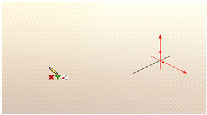
The values (XY) let you know which plane you are about to
sketch on, as well as the red arrows on the origin. Pressing the Tab key will allow you to switch
the sketch planes from XY to YZ to ZX.
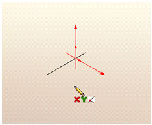
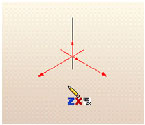
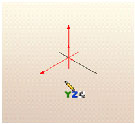
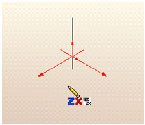
Pick the sketch plane you want to start on a start
sketching. As you create your sketches
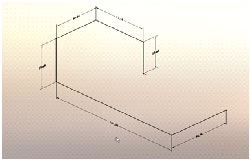
just tab to change planes and create the desired sketch. You can add dimensions and relations just
like in a 2D sketch.
Phil Whitaker
CATI Technical Support